
A stable link for every map
Each published scene gets its own link, so it can live inside an article or website.
Interactive 3D maps for websites
Publish an interactive terrain scene for stories, destinations, events, portfolios and exhibits.
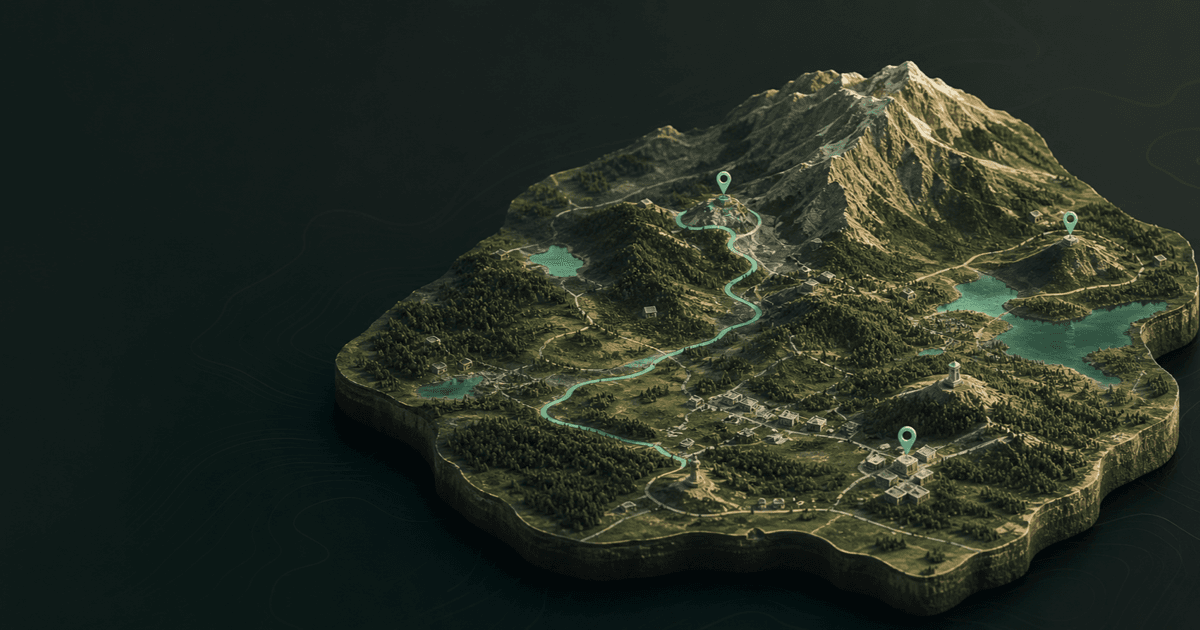
Real terrain · live scene
An interactive 3D map gives readers spatial context without sending them away. They can orbit the terrain, understand the story and open the full scene whenever they want to explore it.
Each published scene gets its own link, so it can live inside an article or website.
Viewers can orbit terrain with objects, pins, routes and labels.
Visitors can open the full map and make an independent version of their own.
How it works
Build the terrain and spatial story in the 3D editor.
Publishing creates stable links for sharing and placing the scene on a website.
Copy the website code into an article, portfolio, destination page or product page.
Update the original map while preserving its public link.
Choose any location, shape the terrain and publish an interactive scene in your browser.
Open the 3D map makerYes. Each published map receives a stable, non-reused link for use on websites.
No. Public viewers cannot change the original. Making their own version creates an independent map after sign-in.
Yes. Required map and elevation source information remains visible in the interactive view.